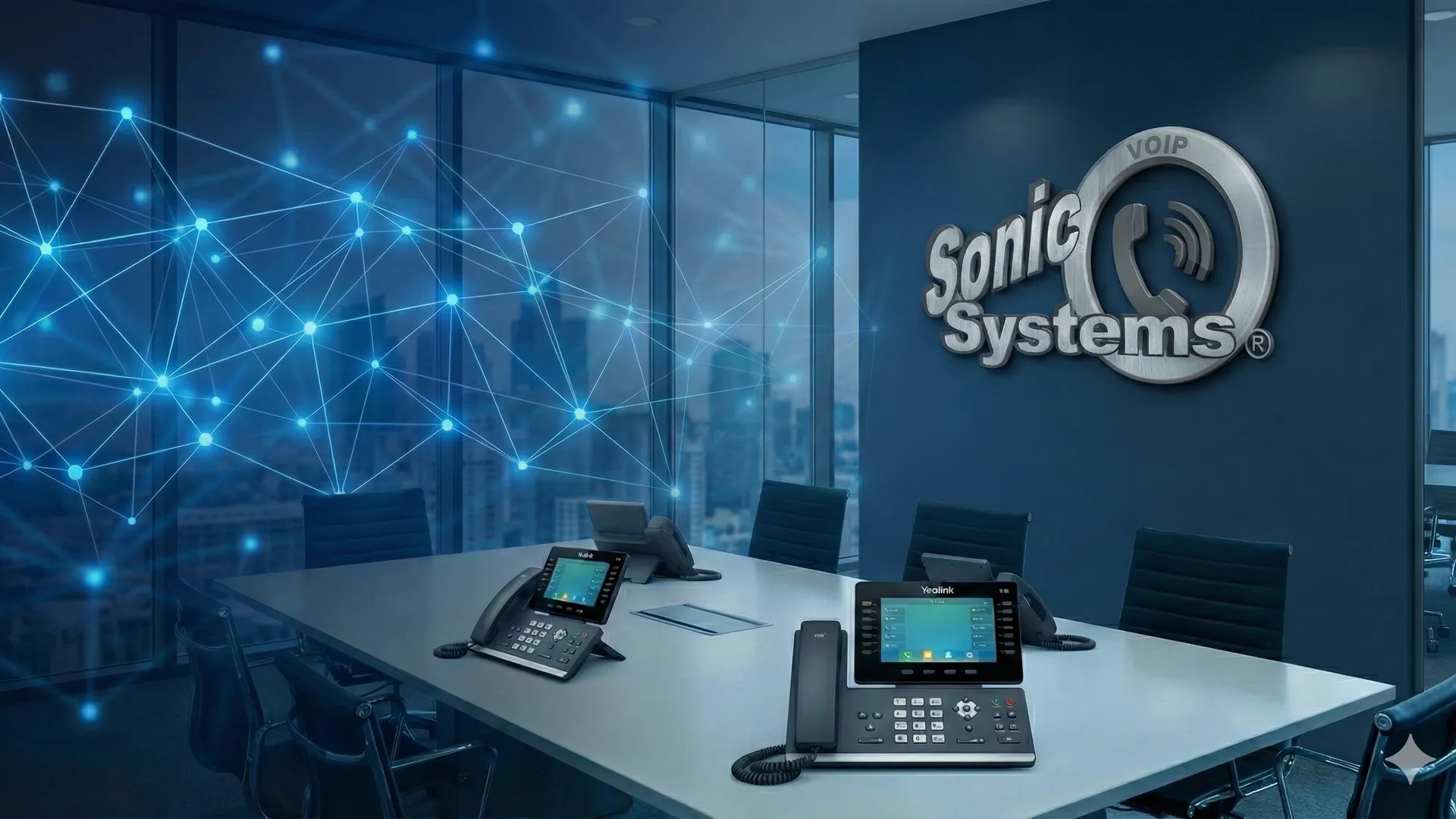
Yealink VoIP Phones for Every Business Role
Yealink desk phones, conference phones, and cordless handsets for quoted hosted VoIP deployments configured by SonicVoIP.
SonicVoIP standardizes on Yealink business phones so provisioning, training, and support stay consistent across a deployment. We offer desk phonesfor everyday use, conference phones for meeting rooms, and DECT cordless phones for staff who move through a building. SonicVoIP can install and configure the selected devices as part of your hosted VoIP deployment.
How to Choose VoIP Phones
Start with each role, not the phone model. The right mix usually includes desk phones, apps, and a few specialized devices.
Front desk and shared lines
Choose phones that make hold, transfer, park, voicemail, and ring-group coverage easy for staff who answer calls all day.
Private offices and managers
Match desk phones with the mobile or desktop app so users can keep the same business identity away from the desk.
Meeting rooms
Conference phones place multiple microphones and room-call controls in a shared meeting-space device.
Warehouse and mobile staff
DECT cordless phones help teams stay reachable when they move around a building, shop floor, clinic, or service counter.
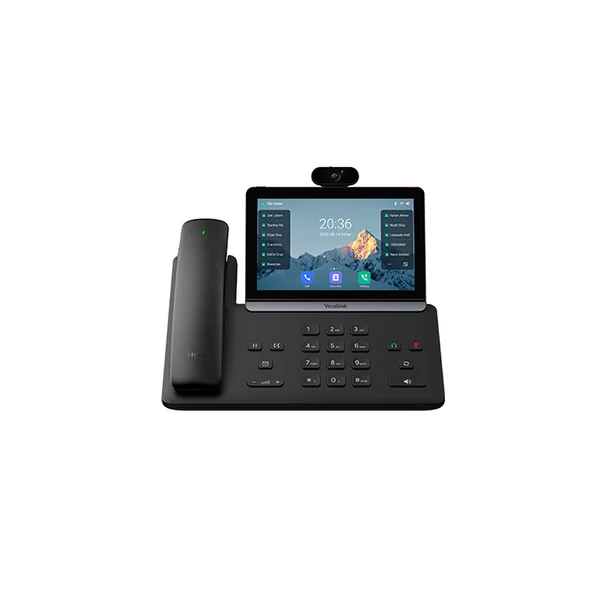
SIP-T88V Pro
Yealink T88V Pro
Android 13 smart business phone with a 7-inch touchscreen, 5 MP camera, and BTH88 Bluetooth handset
Executives and high-activity desk users who need a large touchscreen, video camera, and wireless handset
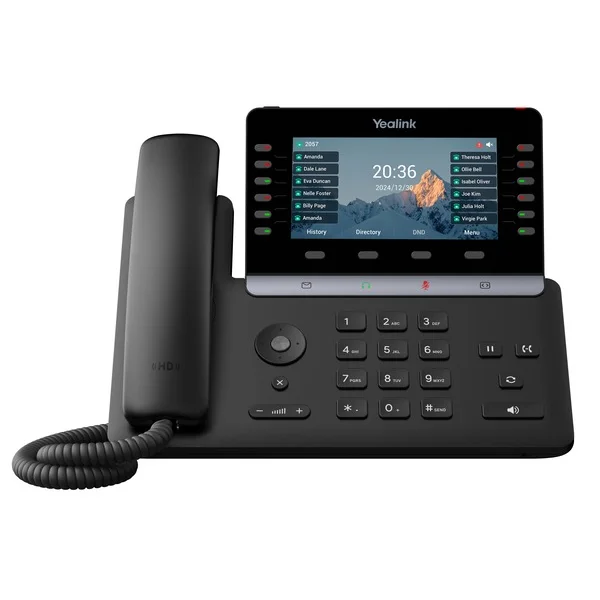
SIP-T85W
Yealink T85W
Business phone with a 5.5-inch display, 16 SIP accounts, 12 physical line keys, and built-in Wi-Fi 6
Executives and professionals who need a larger display, built-in wireless connectivity, and more programmable keys
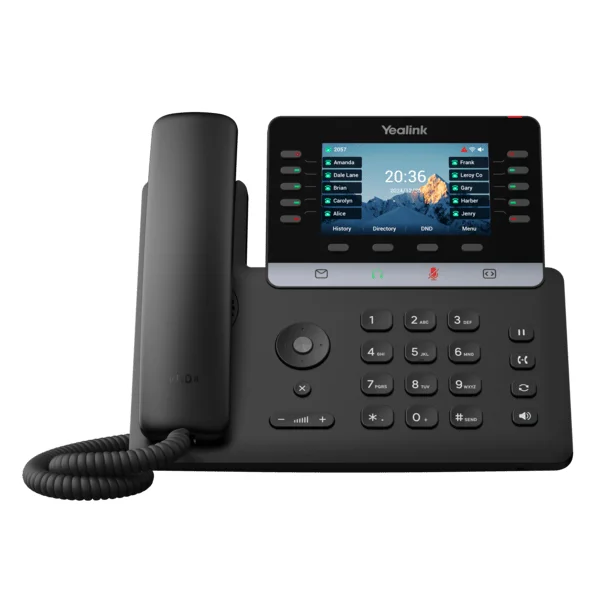
SIP-T74U
Yealink T74U
Business phone with a 4.3-inch color display, 16 SIP accounts, USB, and 10 physical line keys
Managers and professionals who need a wired phone with a larger color display and more physical line keys
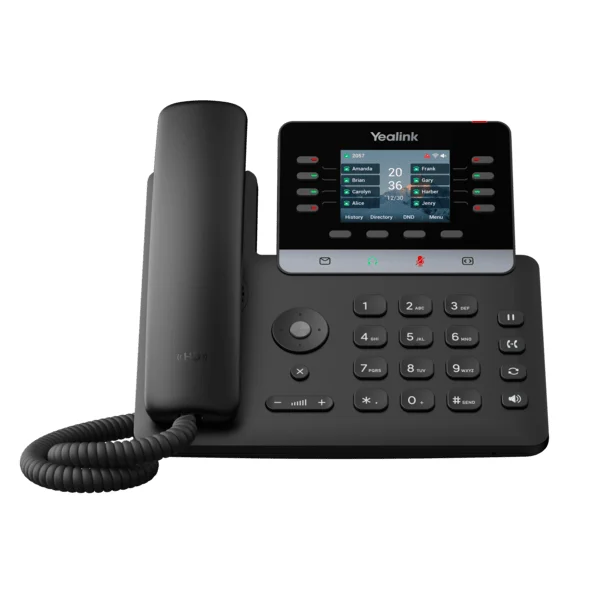
SIP-T73U
Yealink T73U
Business phone with a 2.8-inch color display, 12 SIP accounts, USB, and 8 physical line keys
General office staff who need a wired color-display phone with 12 SIP accounts and configurable keys
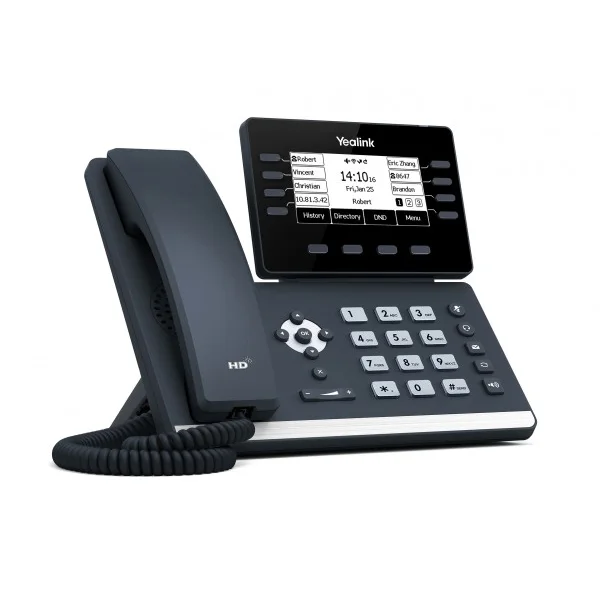
SIP-T53
Yealink T53
Business phone with an adjustable 3.7-inch graphical LCD, 12 SIP accounts, and 8 physical line keys
Teams that need a wired, non-touchscreen desk phone with 12 SIP accounts and USB expansion
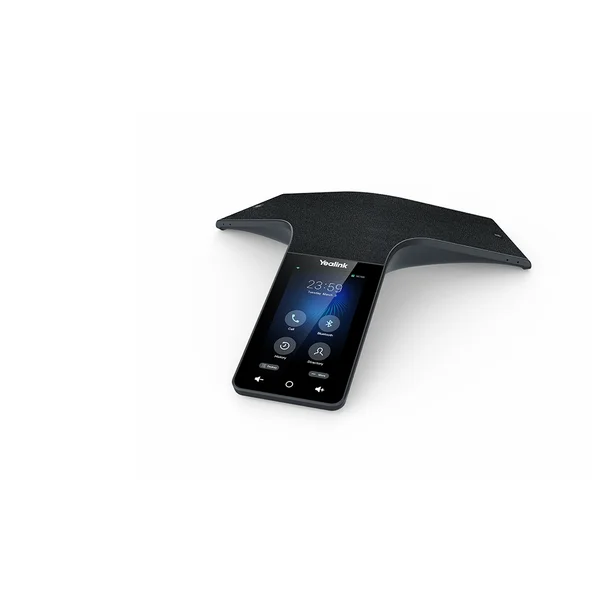
CP965
Yealink CP965
Conference phone with a 5-inch touchscreen, 12 pickup microphones, and 1 noise-cancellation microphone
Medium and large conference rooms that need a shared table-oriented audio device
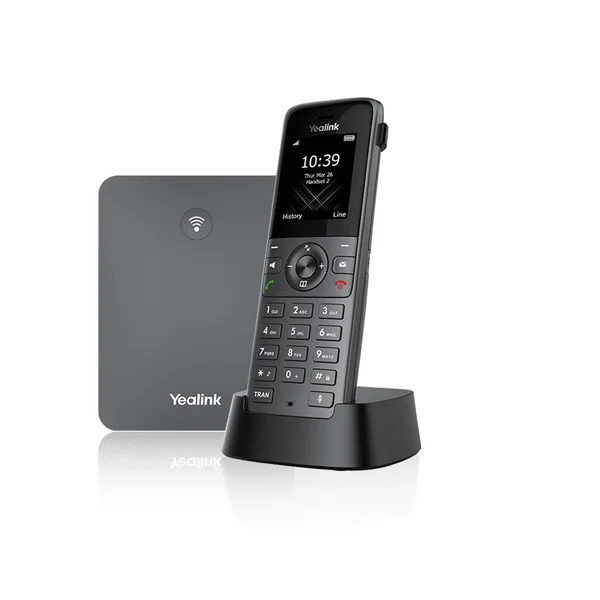
W73P
Yealink W73P
DECT system package with a W70B base and W73H handset, supporting up to 20 simultaneous system calls
Small and medium-sized businesses that need a W70B base and compact W73H cordless handset
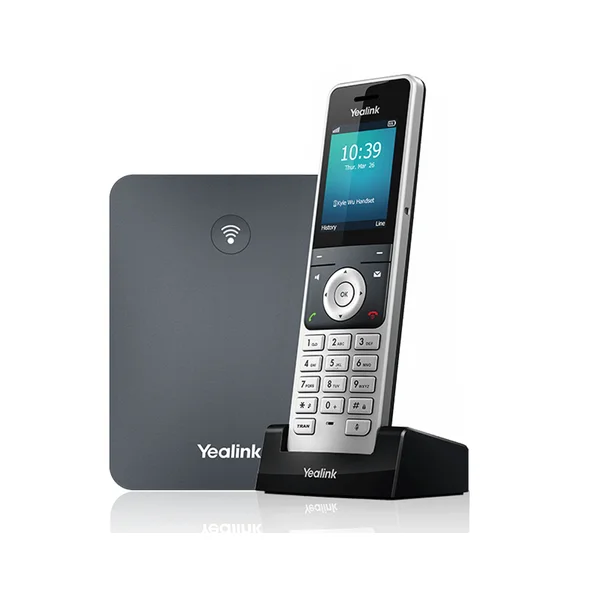
W76P
Yealink W76P
DECT system package with a W70B base and W56H handset, supporting up to 20 simultaneous system calls
Small and medium-sized businesses that need a W70B base and larger-screen W56H cordless handset
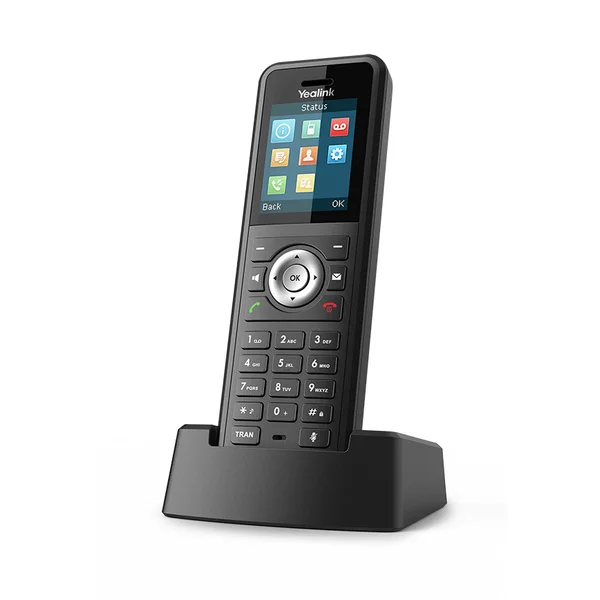
W59R
Yealink W59R
IP67 ruggedized DECT handset with Bluetooth 4.2, vibration alerts, safety alarms, and up to 2 simultaneous calls per handset
Industrial and harsh workplace environments that need a rugged handset and compatible Yealink DECT system
Phones for Hosted VoIP Deployments
SonicVoIP's catalog uses Yealink desk, conference, and DECT models with different displays, key layouts, connectivity, accessories, and room or mobility roles. Standardizing on one phone ecosystem also helps us install, configure, support, and train teams consistently.
- Desk, conference, and DECT cordless options
- Different display and programmable-key layouts by role
- Models with wired or wireless connectivity options
- Headset and expansion options on supported models
- Consistent provisioning across the phone fleet
- One support path for service and configured devices
Professional Installation
Configured and deployed by our team
Plan Phones with the Whole System
Phones are only one part of the deployment. Review service, cost, apps, and model comparisons together.
Business VoIP Phone FAQs
Short answers to common device-selection and deployment questions.